
Local Services Ads (LSAs) are Google’s pay-per-lead ads for verified local providers. Managing them well comes down to five things: a complete profile, the right service areas, a sensible bidding mode and budget, fast lead response, and a regular review of which leads you were charged for. This guide covers each one, plus how LSAs differ from standard Google Ads and where Google is taking the product.
TL;DR
- LSAs charge per valid lead, not per click, and they appear above much of the regular search results for the service areas you select.
- Rankings depend on proximity, reviews, responsiveness, Business Profile quality, bidding mode and budget. Most of those are management work, not ad copy.
- Google recommends Maximize leads and about two weeks of learning time before you judge results.
- Google is moving LSAs into Google Ads as Performance Max campaigns with pay-per-lead goals, so plan for that change now.
- Leads only pay off if someone answers fast. Missed calls are the most common leak.
Table of Contents
- What Local Services Ads are and where they appear
- How LSAs differ from standard Google Ads
- Who can run them
- How you are charged
- The management checklist that moves results
- Track performance and dispute bad leads
- What Google’s move to Performance Max means for you
- Perspective: why we pair LSAs with local SEO and fast follow-up
- Where NetViper fits
- FAQ
- Sources
What Local Services Ads are and where they appear
Google’s Local Services Ads page for the U.S. describes ads that can appear prominently in Google Search for the service areas you pick. Prospects can call, message or book directly from the listing.
The ad is built from the information you provide at signup. According to Google’s Local Services Ads overview, it highlights your services, service area, hours and reviews. The profile can show:
- Your business name and a tracking phone number
- Your location or the cities you serve
- Reviews from your Google Business Profile
- Hours, photos and a short business bio
- A Google Verified badge where it is available
There are no keywords to choose. You pick job types and service areas, and Google decides which searches trigger your ad.
How LSAs differ from standard Google Ads
Standard Google Ads are customizable pay-per-click text ads. LSAs are pay-per-lead listings for verified local providers, as Google’s own comparison puts it. The practical differences:
| Local Services Ads | Standard Google Ads (Search) | |
|---|---|---|
| You pay for | Valid leads | Clicks |
| Targeting | Job types and service areas | Keywords, audiences, locations |
| Ad content | Built from your profile, reviews and hours | Headlines and descriptions you write |
| Control | Budget, bid mode, areas, job types | Nearly every setting |
| Best for | Calls and bookings from ready-to-hire customers | Broader reach, specific offers, landing pages |
Neither replaces the other. LSAs capture people who want to call a provider now. Search campaigns let you control the message, send traffic to a tailored landing page and reach categories LSAs do not cover. Many local businesses run both. If you want a hand with the search side, see our Google Ads management in Jacksonville.
Who can run them
Google’s pay-per-lead eligibility guidance says the business must be located and operate in the United States, have at least one verified Google Business Profile, and work in an eligible storefront or home-services category. Depending on category and location, screening, verification and background checks may apply.
Google’s eligibility page lists categories across home services, business, health, learning, care, wellness, beauty and automotive. If you are not in an eligible industry, Google points you to standard Google Ads, which is where a search campaign picks up.
Two practical points for Northeast Florida owners:
- Start verification before you need the leads. Background checks and license verification take time, and nothing runs until you pass.
- Make sure the name, address, phone number and categories on your Google Business Profile match your real operations. Mismatches slow approval.
How you are charged
Per Google’s lead documentation, you set a weekly budget and choose a bidding mode. Google then charges for valid leads rather than clicks. Lead prices vary by location, job type, lead type and bidding mode. Weekly spend can fluctuate around your average. The monthly maximum is calculated from the average weekly budget and the average number of weeks in a month.
Invalid leads, or leads later judged low quality, may be uncharged or credited under Google’s rules. That is why lead review belongs on your regular checklist, not as an afterthought.
We do not quote a typical cost per lead here, because Google says it varies by market and job type. A roofer in Jacksonville and a dentist in St. Augustine will see different numbers. Your own account data after the learning period is the only figure that matters.
The management checklist that moves results
Google’s guidance on growing with LSAs (August 2025) says proximity, reviews, responsiveness, Business Profile quality, bidding mode and budget all affect which ads show. Here is how we would work through them.
1. Build the profile completely
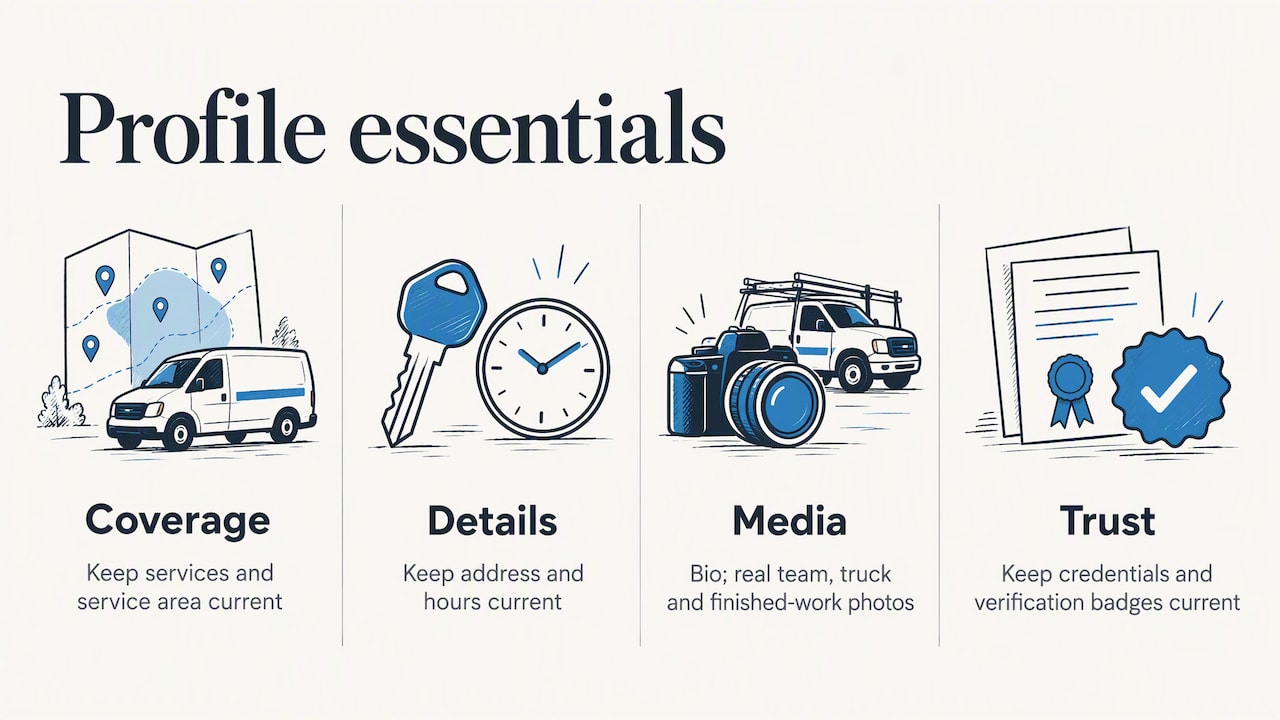
Keep services, service area, address, hours, photos, bio and any credentials or verification badges current. Google recommends exactly that. Use real photos of your team, trucks and finished work. An incomplete profile gives you less to compete on.
2. Set service areas deliberately
Google explains that service areas and job types determine where your ads can appear and which searches can trigger them. Areas can be set by city, county, neighborhood or ZIP code, and Google recommends reviewing them regularly against your target audience and goals.
A common mistake is selecting everything within a 40-minute drive. Leads from the edge of your range cost the same as close ones but convert worse once travel time enters the quote. Start with the ZIP codes where you are profitable and expand when you have capacity.
3. Pick the bidding mode and budget
Google lists three modes in its bidding guidance: Maximize leads, Target cost per lead, and Max per lead. A bid is the most you will pay for a lead, and it can influence ad position, though responsiveness and reviews matter too.
Google recommends Maximize leads for optimal performance, with a minimum budget equivalent to 10 leads per week. It also says to allow about two weeks for accurate results while the model learns.
| Mode | When it fits |
|---|---|
| Maximize leads | Default starting point; you want volume and trust Google’s optimization |
| Target cost per lead | You know the lead cost your margins allow |
| Max per lead | You need a hard ceiling per lead and accept possibly fewer leads |
The discipline here is patience. Changing the budget or mode every few days resets the learning you are paying for.
4. Earn and manage reviews
Reviews feed both ranking and the click. Ask every satisfied customer, ideally the same day, with a direct link to your Google Business Profile. Reply to every review, including critical ones, in a calm, specific way. Our Google Business Profile optimization work covers this alongside categories, photos and posts, because the same profile supports your Maps rankings as well as your ads.
5. Answer fast
Responsiveness is one of the factors Google names. Beyond ranking, it is simple math: a lead you pay for and miss is money gone. Set up call forwarding that reaches a real person, answer messages within minutes, and make sure after-hours calls are not lost.
This is where automation helps. An AI receptionist can answer calls and messages around the clock, qualify the request and book the appointment. Our AI agents page covers the NV AI Pro Agent at $497 per month and AI Receptionist setup and deployment at a one-time $997.
Track performance and dispute bad leads
Google’s lead guidance says to use the leads inbox to review charge status and billing, while reporting shows spending and lead counts by channel. Each lead shows as Charged, Not charged, In review or Credited, and Google’s models may reassess quality over time.
A weekly routine that takes 20 minutes:
- Open the leads inbox and mark each lead as booked, quoted, lost or not a fit.
- Flag wrong-service, wrong-area, spam and duplicate leads and submit feedback.
- Check which leads moved to Credited or Not charged.
- Compare booked jobs to spend, not just lead counts.
- Adjust job types or service areas if the same kind of bad lead keeps coming.
The number to watch is cost per booked job. A cheap lead that never converts is expensive. Lead counts alone can hide a response-time problem, so compare the leads you received with the calls you actually answered.
What Google’s move to Performance Max means for you
Google’s transition guidance says LSAs are moving toward a unified Google Ads experience through Performance Max campaigns with pay-per-lead goals. The pay-per-lead model, local placements and keywordless targeting remain. Pay-per-lead campaigns charge for valid leads, while standard Performance Max campaigns charge for clicks. The rollout runs across 2026 and 2027.
What to do about it:
- Export your existing LSA reports and lead history while you still have the old dashboard. Keep your own record of booked jobs and revenue per lead.
- Track conversions in your own systems rather than relying on a single platform’s reporting. Our conversion tracking audit is built for that, at $175 per hour.
- Keep your Business Profile and review flow healthy. They carry over regardless of the campaign type.
- Check Google’s page for the current schedule for your account, since timing differs by account.
Perspective: why we pair LSAs with local SEO and fast follow-up
We work with local businesses in Northeast Florida, and the pattern is consistent. Owners who treat LSAs as a set-and-forget budget get uneven results. Owners who treat them as one channel in a lead system tend to do better.
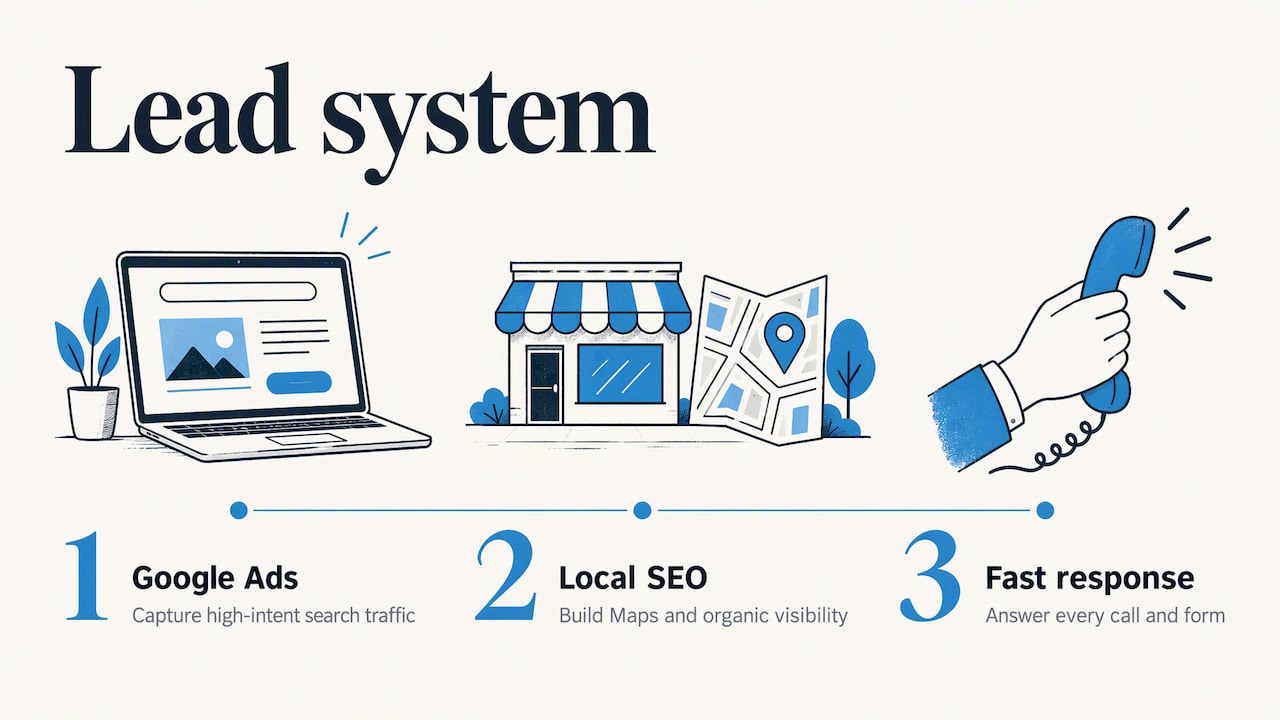
For us, that system has three parts. First, Google Ads, where search campaigns capture high-intent traffic and send it to pages built to convert. Second, local SEO and your Google Business Profile, which build visibility in Maps and organic results and feed the reviews and profile quality LSAs rely on. Third, instant lead response, so every call and form gets an answer. Paid placement only returns value when the lead is answered and the profile earns the click.
Our advice: before you raise an LSA budget, audit what happens to the leads you already pay for. Fix the phone, the follow-up and the reviews first. Then spend more.
— Dave
Where NetViper fits
If you want one team looking after paid search, Maps visibility and lead response, here is how our published options line up:
- Google Ads management: our Google Ads management and PPC team builds and runs search campaigns for local businesses.
- Local SEO: GeoBoost 25 is $497 per month and GeoBoost 100 is $1,697 per month, both on our SEO page. Listings and Citations is $60 per month.
- Everything together: the Full Digital Program is $1,995 per month with a one-time $2,500 set-up fee, listed on our services page.
Not sure where to start? Contact us and we will look at your current ads, profile and lead handling with you.
FAQ
Are Local Services Ads better than regular Google Ads?
Neither is better across the board. LSAs charge for valid leads and suit businesses in eligible categories that want calls and bookings. Standard Google Ads give you keyword control, custom messaging and landing pages. Many local businesses use both.
How long before LSAs show results?
Google says to allow about two weeks for accurate results while the model learns. Verification and approval come first, so start that process early. Avoid big changes to budget or bidding in the first two weeks.
Do I pay for every lead?
Not necessarily. Google charges for valid leads, and invalid or later-determined low-quality leads may be uncharged or credited under its rules. Review the leads inbox regularly and submit feedback on leads that were not a fit.
What budget do I need?
For Maximize leads, Google recommends a minimum budget equivalent to 10 leads per week. Lead prices vary by location and job type, so the dollar figure depends on your market. Your first month of data will show the real cost.
Will the move to Performance Max change my billing?
Google says the pay-per-lead model, local placements and keywordless targeting remain. The change is in where you manage the campaigns. Export your reports and check Google’s transition page for your account’s timing.
Sources
- Reach Local Customers with Local Service Ads, Google Ads
- Local Services Ads overview, Local Services Help
- How leads work, Local Services Help
- About pay-per-lead goals for Performance Max campaigns
- About reaching customers with your Local Services Ads
- How bidding works for Local Services Ads
- How to grow your business with Local Services Ads
- Local Services Ads transition to Performance Max campaigns
Recommended

Google Business Profile Management: What It Covers and How to Do It Well
Google Business Profile management explained: how to claim, edit and maintain your listing, handle reviews and users, and what a management service should include.

PPC Management in Florida: What It Includes and What It Costs
What PPC management covers for a Florida business, how Google Ads campaigns are run and measured, what fees to expect, and how to choose a manager.

CRM Integration Services: What They Connect and How to Choose
CRM integration services connect your CRM to ads, forms, email and billing so leads flow without re-entry. Learn what to connect, how it works and how to measure it.
